
Website Maintenance for Small Business: What Does Your Website Really Need?
Getting a website online is only the beginning. Once it’s running, the software behind it continues to change, your business information needs updating and occasional technical problems can occur. That’s why website maintenance for small business is worth considering as part of running your website rather than something you only think about when something goes wrong.
For WordPress websites in particular, regular maintenance can help keep the site secure, compatible and working as expected.
But what does website maintenance actually involve, how often should it be done, and does a small business really need to pay somebody to do it?
What Is Website Maintenance?
Website maintenance is the ongoing work involved in keeping a website working properly after it has been launched.
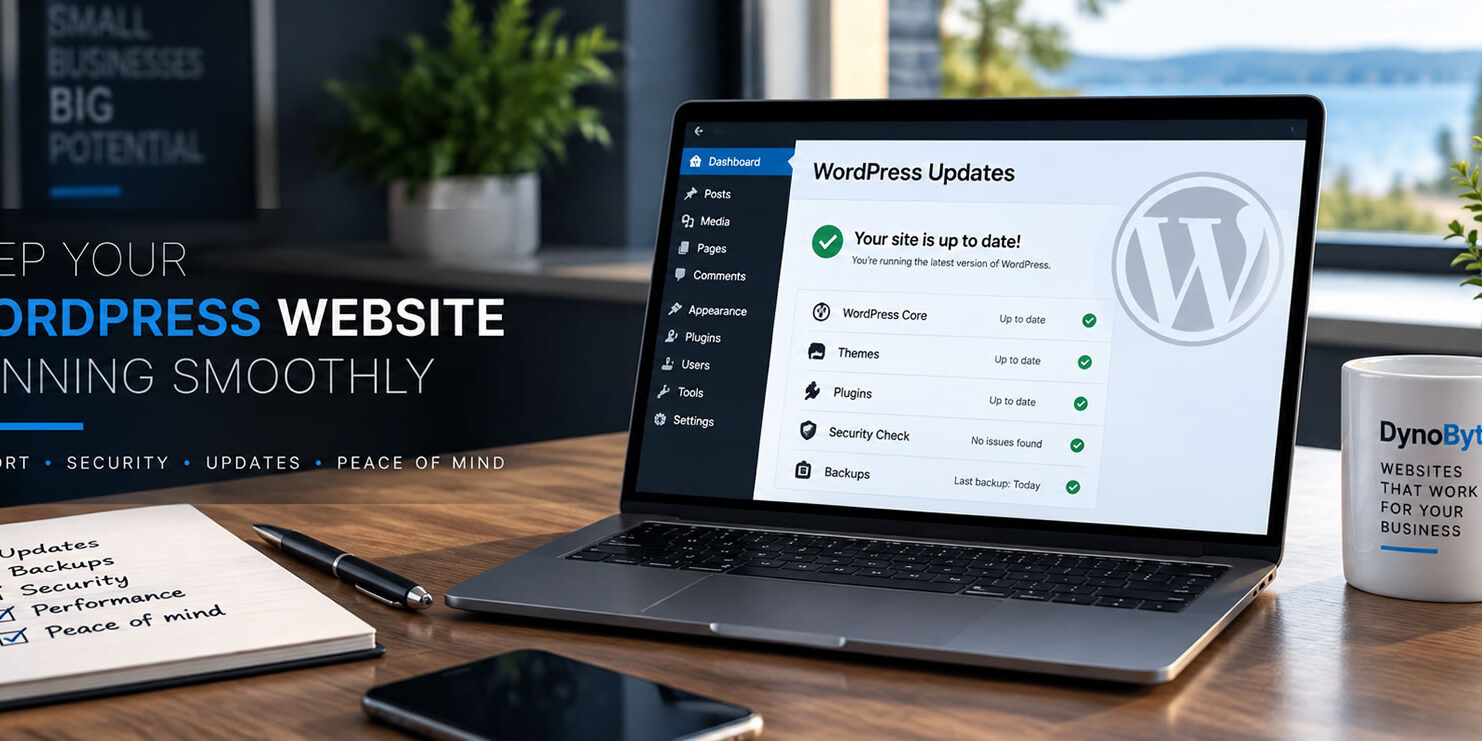
For a WordPress website, this can include updating WordPress itself, themes and plugins, checking compatibility, monitoring security, creating backups and dealing with technical problems.
Maintenance can also involve checking that important parts of the website continue to work correctly.
Think of it as preventative maintenance.
Rather than waiting until something breaks and then trying to fix it, regular maintenance aims to identify and deal with potential problems before they become more serious.
Why Do WordPress Websites Need Maintenance?
WordPress isn’t static software.
WordPress core is updated regularly, as are the themes and plugins used to provide the design and functionality of a website.
Updates can include security fixes, bug fixes, compatibility improvements and new features.
That makes WordPress website maintenance particularly important.
If WordPress itself is updated but an older plugin is no longer compatible, for example, part of the website may stop functioning correctly. Similarly, leaving everything outdated for long periods can expose the site to known security vulnerabilities.
Regular maintenance helps keep all of these different components working together.
What Happens If You Don’t Maintain a WordPress Website?
A website won’t necessarily stop working simply because you miss an update.
The problems tend to develop over time.
Outdated WordPress installations, themes and plugins can increase the risk of security vulnerabilities and compatibility problems. An old plugin may eventually conflict with newer software, or functionality that once worked perfectly may begin producing errors.
The longer maintenance is ignored, the more updates may eventually need to be performed at once.
That can make troubleshooting considerably more difficult if something goes wrong.
How Often Should a Small Business Website Be Maintained?
There isn’t one maintenance schedule that’s right for every website.
A relatively simple small business website with a limited number of plugins may require less attention than an e-commerce or membership website containing considerably more functionality.
However, WordPress websites should generally be checked regularly rather than left untouched for months at a time.
Updates don’t all arrive on the same schedule. A security update may be released unexpectedly, while themes and plugins are updated independently by their developers.
Regular checks make it easier to keep on top of those changes.
Is Updating WordPress the Same as Website Maintenance?
No.
Installing updates is an important part of maintenance, but simply clicking Update isn’t the whole process.
Occasionally, an update can create a compatibility issue with another plugin, the theme or WordPress itself.
That’s why proper website maintenance services should include checking the website after important updates and investigating any problems that appear.
Maintenance can also include backups, security checks, performance monitoring and troubleshooting.
Can WordPress Updates Break a Website?
Occasionally, yes.
WordPress websites are often made up of software from several different developers. WordPress itself, the theme and individual plugins can all be updated independently.
Most updates install without any problem, but incompatibilities can occur.
This is why having a recent backup is important and why maintenance shouldn’t simply mean enabling every available update without considering the website afterwards.
If something does go wrong, knowing which update caused the problem makes troubleshooting considerably easier.
Are Website Backups the Same as Maintenance?
No. Backups and maintenance serve different purposes.
A backup is essentially a safety net. It provides a copy of the website and its data that may be used if the website needs to be restored.
Maintenance is preventative.
It involves keeping the software behind the website current, checking compatibility and addressing problems that could affect the website.
A good maintenance approach should include backups, but having a backup doesn’t mean the website itself is being maintained.
Do Small Businesses Need Website Security?
Yes. A small business website still needs appropriate security measures.
It’s easy to assume that only large websites are targeted, but automated systems can scan websites looking for outdated software and known vulnerabilities regardless of the size of the business behind them.
Keeping WordPress, themes and plugins current is therefore an important part of website security.
Using secure hosting, HTTPS and appropriate security measures can provide additional protection.
DynoByte’s WordPress hosting provides a managed hosting environment for businesses that would rather not deal with the technical side of hosting themselves.
Can I Maintain My WordPress Website Myself?
Absolutely.
You don’t have to pay somebody to maintain a WordPress website if you’re comfortable looking after it yourself.
The important thing is understanding that updates sometimes require more than pressing a button.
You should know how to back up the website, check it after updates and respond if a plugin, theme or WordPress update creates a problem.
For business owners comfortable doing that, self-maintenance can be perfectly reasonable.
For others, paying somebody to handle WordPress maintenance and support may make more sense than spending their own time learning how to diagnose website problems.
What’s the Difference Between Website Maintenance and Website Support?
The two services are closely related, but they’re not exactly the same.
Website maintenance focuses primarily on keeping the website’s software and technical components current and functioning properly.
Website support is broader.
You might need help changing some text, adding a new service, replacing photographs, configuring email or investigating something you don’t understand.
DynoByte provides website support services for businesses that need help with WordPress, content changes, troubleshooting and other day-to-day website tasks.
Do I Need a Website Maintenance Plan?
Not necessarily.
If you’re comfortable managing WordPress yourself, you can perform your own maintenance and contact somebody only when you encounter a problem.
You can also use ad-hoc maintenance services whenever you need professional help.
A maintenance or website management plan is more appropriate when you’d rather have somebody regularly look after the website for you.
DynoByte Care Plans combine ongoing website management with WordPress maintenance, content changes, troubleshooting and priority support.
That gives small businesses an alternative to managing everything themselves.
How Much Does Website Maintenance Cost?
Website maintenance cost varies depending on the website and the type of help required.
A relatively simple WordPress website may need less maintenance than a complex website containing e-commerce, membership features or numerous third-party integrations.
There is also a difference between paying for occasional maintenance when you need it and having an ongoing website management arrangement.
At DynoByte, businesses can request ad-hoc maintenance at our standard hourly rate or choose a Care Plan for regular monthly website management and support.
The right option depends on how much help you expect to need and how involved you want to be in managing the website yourself.
Can You Maintain a Website You Didn’t Build?
In many cases, yes.
Before taking on an existing WordPress website, it’s sensible to review how it has been built and what software is installed.
Older websites may contain outdated plugins, unsupported themes or unusual configurations that need to be identified before carrying out updates.
At DynoByte, we’ll first review an existing WordPress website to make sure it’s something we’re able to maintain and identify any obvious existing problems.
Does Website Maintenance Help SEO?
Website maintenance and SEO are different services, but maintaining a healthy website can support the technical foundations that SEO relies upon.
A website that develops technical errors, becomes inaccessible or performs poorly isn’t providing a good experience for visitors.
Maintenance can help prevent those kinds of problems.
Actual SEO services, however, involve additional work such as keyword research, page optimization, content, metadata, structured data and search visibility improvements.
Does Website Maintenance Matter for AI Search?
There isn’t a special maintenance process specifically for AI search.
However, search engines and AI systems need to be able to access and understand the information on your website.
Keeping the website functioning correctly, maintaining current information and making sure important pages remain accessible all contribute to maintaining a useful online presence.
Content also matters.
If your services, locations or business information change, the website should reflect those changes. Outdated website content can provide outdated information to customers as well as the systems trying to understand your business.
Website Maintenance for Small Businesses Across Ontario
Website maintenance doesn’t need to be complicated.
The objective is simply to keep your website current, secure and working properly so it can continue supporting your business.
You can maintain WordPress yourself, use professional maintenance when required or choose an ongoing management plan if you’d rather have somebody take care of it for you.
DynoByte provides website maintenance, WordPress support, managed hosting and ongoing website management for self-employed professionals and small businesses across Ontario.
Need Help Maintaining Your Website?
If your WordPress website hasn’t been updated for a while, you’re experiencing technical problems or you’d simply rather have somebody else take care of it, contact DynoByte and tell us about your website.
Frequently Asked Questions
What does website maintenance include for a small business?
Website maintenance can include WordPress core, theme and plugin updates, compatibility checks, security checks, backups, performance monitoring and troubleshooting. The exact maintenance required depends on how the website has been built and the functionality it uses.
How often should a WordPress website be maintained?
A WordPress website should be checked regularly because WordPress core, themes and plugins receive updates independently throughout the year. There isn’t one schedule that suits every website, but leaving a business website unchecked for long periods can allow outdated software and compatibility issues to accumulate.
What happens if I don't maintain my WordPress website?
An unmaintained WordPress website may continue working for some time, but outdated software can increase the risk of security vulnerabilities, compatibility problems and website errors. Regular maintenance helps identify and address these issues before they develop into more serious problems.
Can I maintain my WordPress website myself?
Yes. Business owners can maintain their own WordPress websites if they’re comfortable installing updates, creating backups and checking the website afterwards. You should also be prepared to troubleshoot the website if an update causes a compatibility problem. If you’d rather not manage the technical side yourself, a professional website maintenance service can do it for you.
What's the difference between website maintenance and website support?
Website maintenance focuses on keeping the technical components of a website current and working properly, including WordPress, themes, plugins, backups and compatibility. Website support is broader and can include content changes, troubleshooting, domain or email help and other day-to-day website assistance.
How much does website maintenance cost for a small business?
Website maintenance costs depend on the complexity of the website and how much help is required. Some businesses only need occasional maintenance and can pay for work as needed, while others prefer an ongoing website management plan. DynoByte offers both ad-hoc website maintenance and Care Plans for businesses that want regular maintenance, content changes and ongoing support.